Skip to content
Meeting Tips

Meeting Tips

  • All Articles
  • App
  • Coding
  • Hardware
  • More
    • Operating System
    • Outlook
    • PowerPoint
    • Review
    • Software
    • Tip & Trick
    • Troubleshooting
    • Windows

PowerPoint — Page 3

How to Show Ruler in PowerPoint: Instant Alignment With One Click
November 21, 2026 by Jerome Lockhart
How to Show Ruler in PowerPoint: Instant Alignment With One Click

To show the ruler in PowerPoint, you're just one click away from perfect alignment—no more eyeballing margins or guessing at spacing. 💡 I remember struggling with this back in 2003 when I first taught myself PowerPoint…
Read more

Categories PowerPoint

PowerPoint View Switch: Instant Toggle Between Normal and Slide Show

October 13, 2026 by Jerome Lockhart
PowerPoint View Switch: Instant Toggle Between Normal and Slide Show

To switch back to normal view in PowerPoint , you only need two clicks—or one keyboard shortcut—and I’ll show you both methods. I’ve spent hours helping coworkers accidentally trapped in Slide Sorter or Presenter View…

Read more

Categories PowerPoint

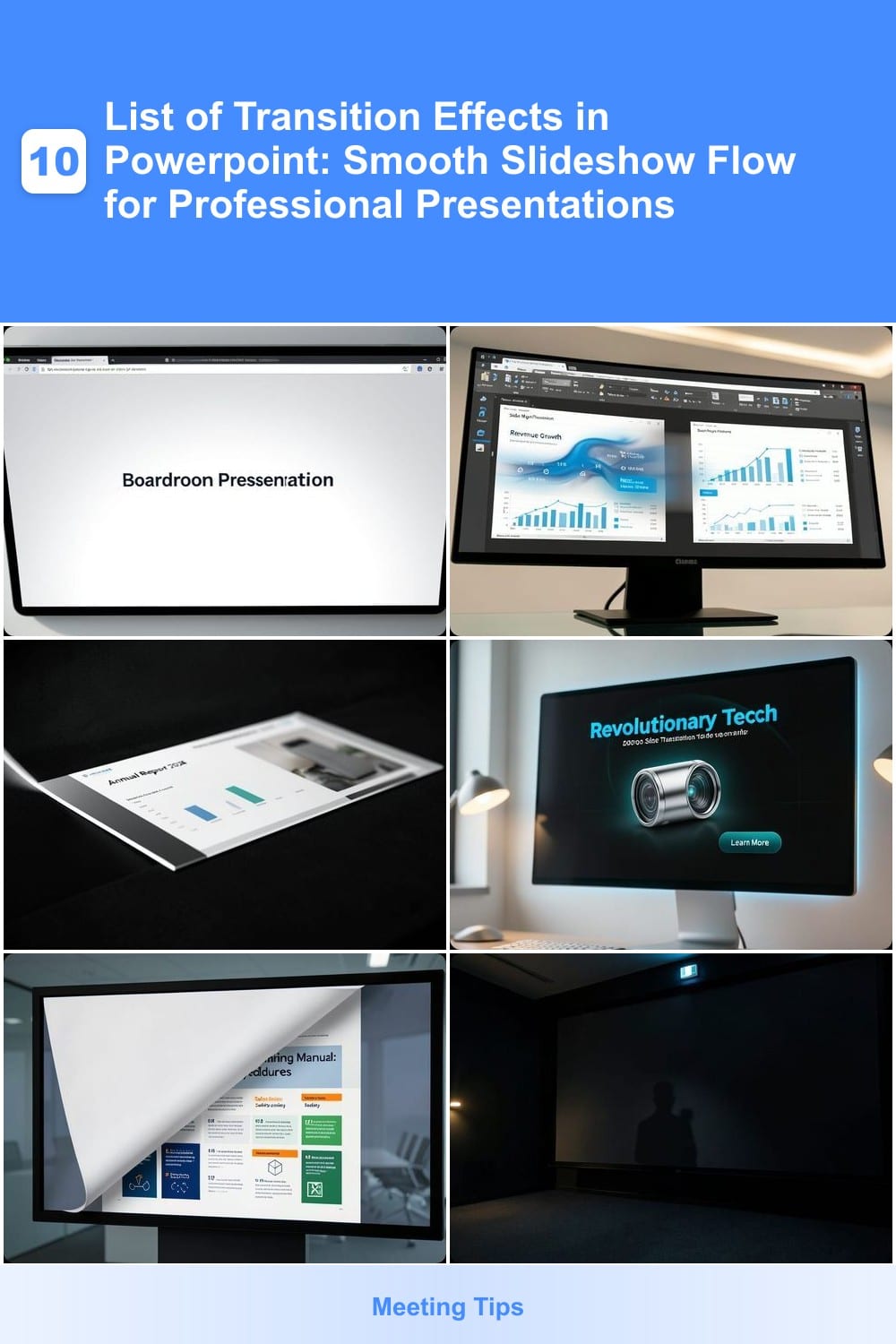
List of Transition Effects in Powerpoint: Smooth Slideshow Flow for Professional Presentations

October 15, 2026 by Jerome Lockhart
List of Transition Effects in Powerpoint: Smooth Slideshow Flow for Professional Presentations

Want to elevate your PowerPoint presentations with polished, professional transitions? These seven transition effects help create smooth slideshow flow while keeping your audience engaged—without looking unprofessional…

Read more

Categories PowerPoint

Microsoft Clip Art Images Free Download: Royalty-Free Templates for Presentations

October 7, 2026 by Jerome Lockhart
Microsoft Clip Art Images Free Download: Royalty-Free Templates for Presentations

Microsoft offers free clip art images through its official download channels, perfect for adding visuals to your presentations without breaking the bank. Ever spent hours searching for the right icon or illustration…

Read more

Categories PowerPoint

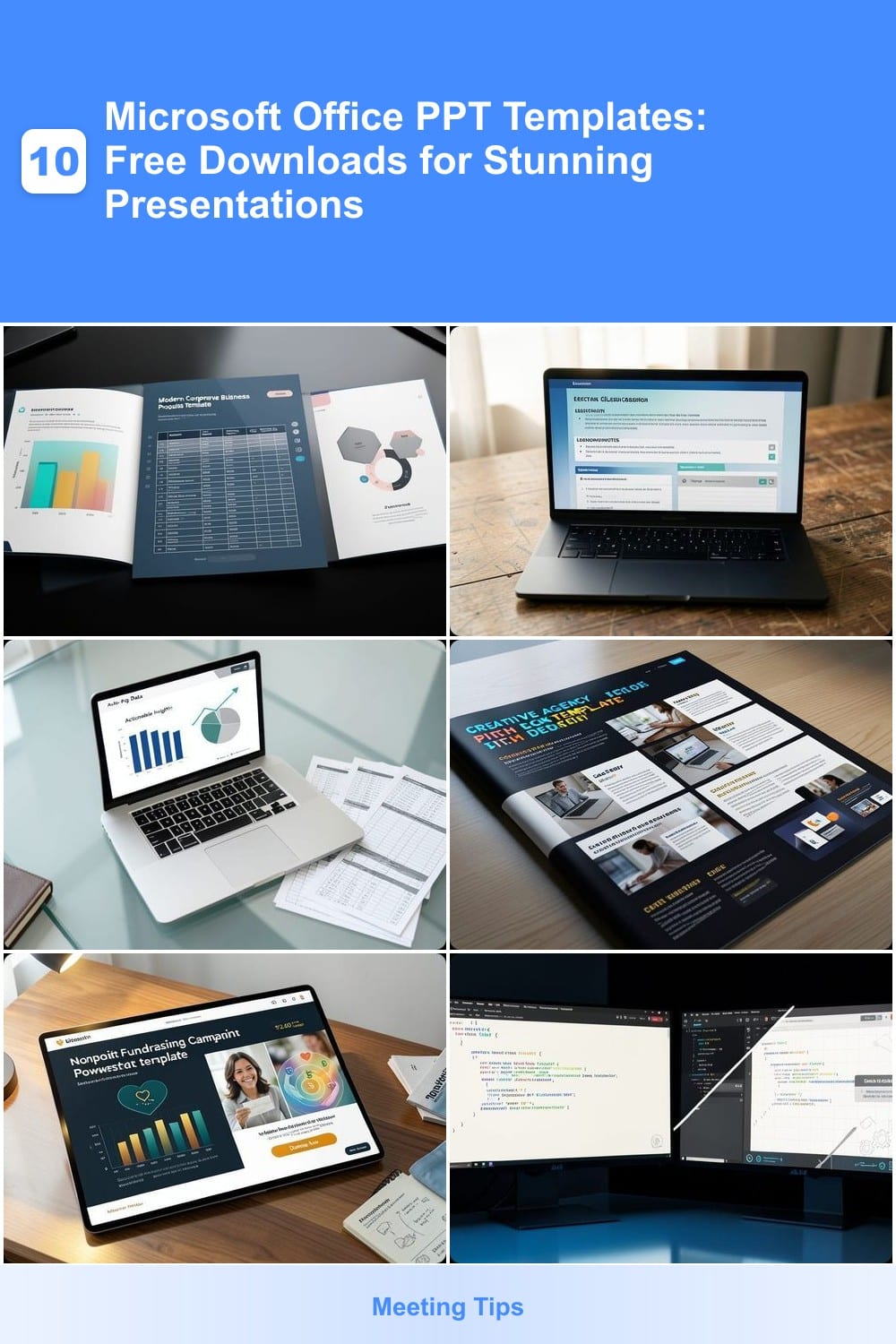
10 Microsoft Office PPT Templates: Free Downloads for Stunning Presentations

October 11, 2026 by Jerome Lockhart
10 Microsoft Office PPT Templates: Free Downloads for Stunning Presentations

Need eye-catching PowerPoint templates that won’t break the bank? These 10 free Microsoft Office-compatible designs elevate professional presentations without requiring design skills or premium subscriptions. 1 Modern…

Read more

Categories PowerPoint

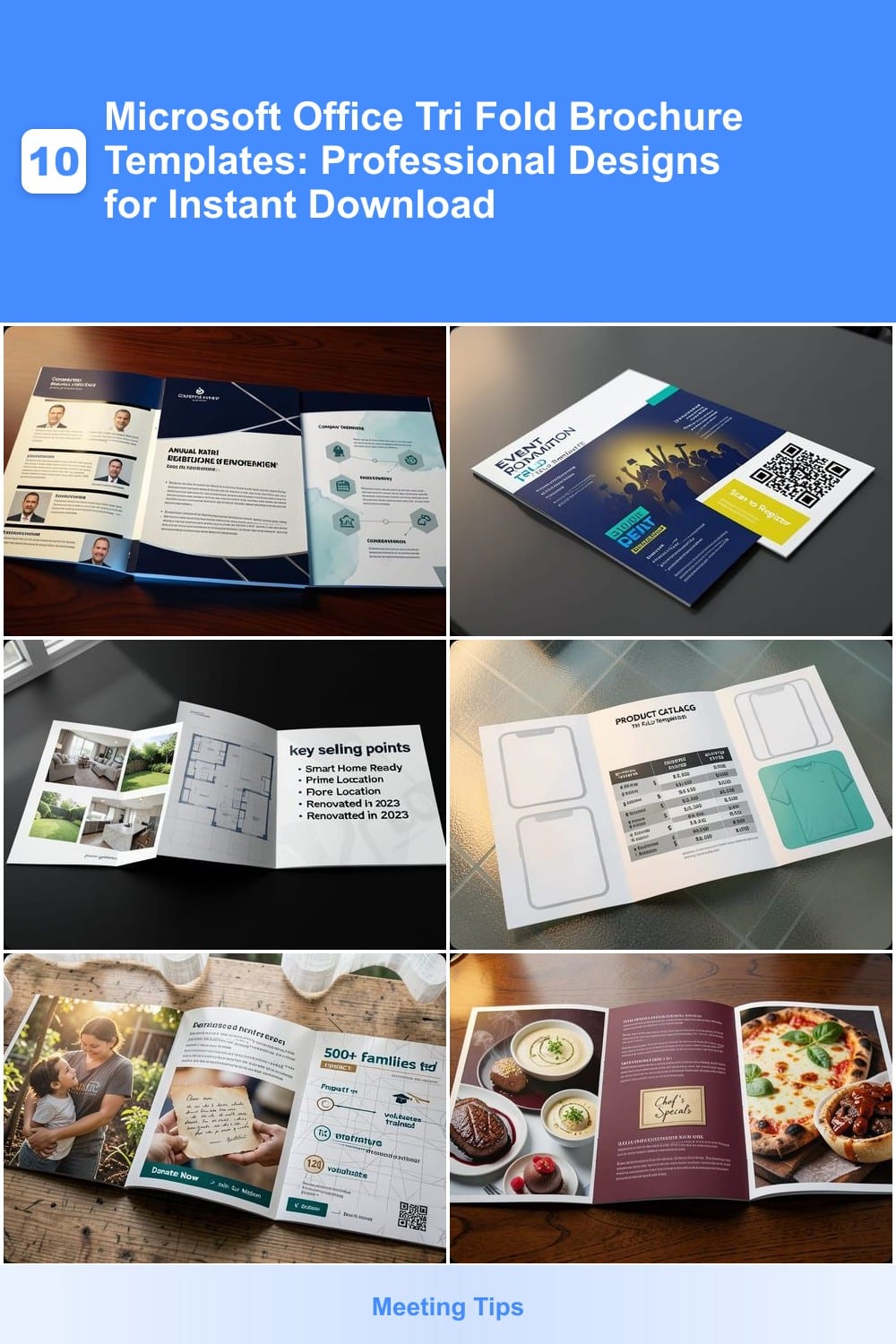
10 Microsoft Office Tri Fold Brochure Templates: Professional Designs for Instant Download

October 27, 2026 by Jerome Lockhart
10 Microsoft Office Tri Fold Brochure Templates: Professional Designs for Instant Download

Need eye-catching tri-fold brochures for your business or project? These 10 Microsoft Office-compatible templates in PowerPoint and Word formats let you create professional designs in minutes—no design skills required…

Read more

Categories PowerPoint

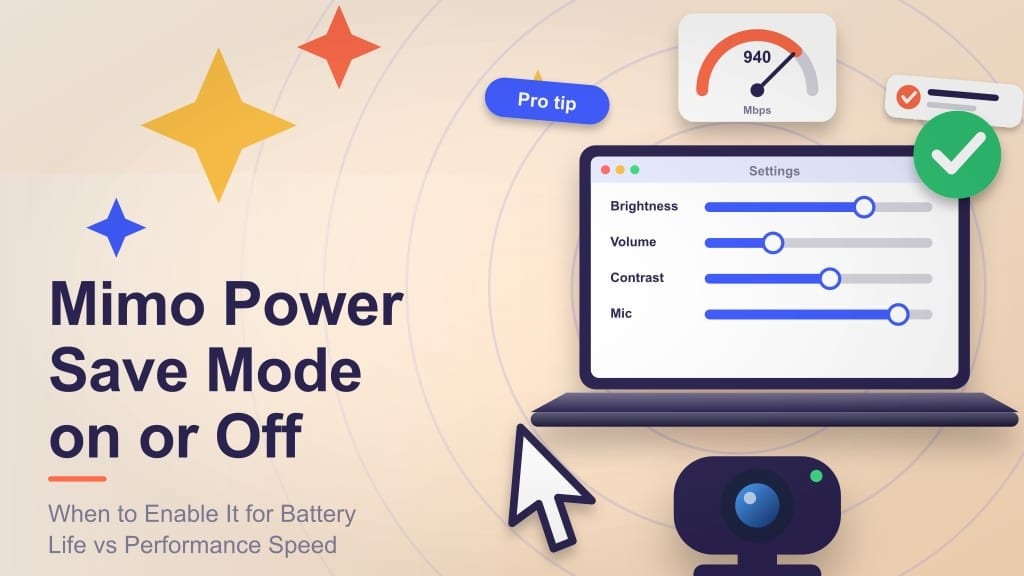
Mimo Power Save Mode on or Off: When to Enable It for Battery Life vs Performance Speed

November 21, 2026 by Jerome Lockhart
Mimo Power Save Mode on or Off: When to Enable It for Battery Life vs Performance Speed

💥 Quick Answer Mimo Power Save Mode should stay off for maximum performance speed, but enabling it extends battery life by throttling CPU and GPU usage. Use it only when plugged in or during long tasks like video…

Read more

Categories PowerPoint

Visio Process Flow Diagram Template Free Download: Customizable Shapes for Workflow Design

October 12, 2026 by Jerome Lockhart
Visio Process Flow Diagram Template Free Download: Customizable Shapes for Workflow Design

A free Visio process flow diagram template download cuts your workflow design time from hours to minutes—no design skills required. Struggling to visualize complex workflows in Microsoft Visio? Whether you're mapping out…

Read more

Categories PowerPoint

Where Is Slide Master in PowerPoint: Exact Location and How to Access It Quickly

November 21, 2026 by Jerome Lockhart
Where Is Slide Master in PowerPoint: Exact Location and How to Access It Quickly

💥 Quick Answer The Slide Master in PowerPoint is located in the 'View' tab on the ribbon, where clicking 'Slide Master' opens the design template editor for consistent formatting across all slides. It controls fonts…

Read more

Categories PowerPoint

Where Is the Eyedropper in PowerPoint: Shortcut Keys and Tool Location Explained

October 15, 2026 by Jerome Lockhart
Where Is the Eyedropper in PowerPoint: Shortcut Keys and Tool Location Explained

💥 Quick Answer To find the eyedropper in PowerPoint, locate the 'Eye Dropper' tool under 'Format Painter' in the 'Home' tab or use the shortcut Ctrl+Shift+C (Windows) or Cmd+Shift+C (Mac). It copies formatting like…

Read more

Categories PowerPoint
Page1Page2Page3Page4Page5Next →

About Me

Jerome Lockhart

Jerome Lockhart
I’ve been tinkering with computers since my dad let me take apart his old desktop in the mid-’90s—though I may have put it back together wrong half the time. Over the years, I’ve learned that the best tech advice comes from real-life struggles, not just manuals. Here, I share the tips, tricks, and troubleshooting steps I’ve picked up along the way, whether it’s fixing a stubborn printer or mastering a new piece of software. My goal? To make tech feel less intimidating and more like a tool that actually works *for* you.

Learn more

Recent Posts

  • Ok Google Set Up My Phone: Voice-Activated Sync in 3 Minutes
    Ok Google Set Up My Phone: Voice-Activated Sync in 3 Minutes
  • How to Check If Windows Is Activated: Instant Verification in 3 Clicks
    How to Check If Windows Is Activated: Instant Verification in 3 Clicks
  • How to Uninstall R on Mac: Complete Cleanup Without Lingering Files
    How to Uninstall R on Mac: Complete Cleanup Without Lingering Files
  • How to Set up Voice Recognition: Step-by-Step Guide for Flawless Activation
    How to Set up Voice Recognition: Step-by-Step Guide for Flawless Activation
  • Set up Msn Email on Mac: Step-by-Step MSN Account Sync Guide
    Set up Msn Email on Mac: Step-by-Step MSN Account Sync Guide
  • All Guides
  • About
  • Contact
  • Privacy Policy
  • Cookie Policy
  • Terms of Use
© 2026 meetingtips.work