Skip to content
Meeting Tips

Meeting Tips

  • All Articles
  • App
  • Coding
  • Hardware
  • More
    • Operating System
    • Outlook
    • PowerPoint
    • Review
    • Software
    • Tip & Trick
    • Troubleshooting
    • Windows

PowerPoint — Page 2

PowerPoint View Switch: Instant Toggle Between Normal and Slide Show

October 13, 2026 by Jerome Lockhart
PowerPoint View Switch: Instant Toggle Between Normal and Slide Show

To switch back to normal view in PowerPoint , you only need two clicks—or one keyboard shortcut—and I’ll show you both methods. I’ve spent hours helping coworkers accidentally trapped in Slide Sorter or Presenter View…

Read more

Categories PowerPoint

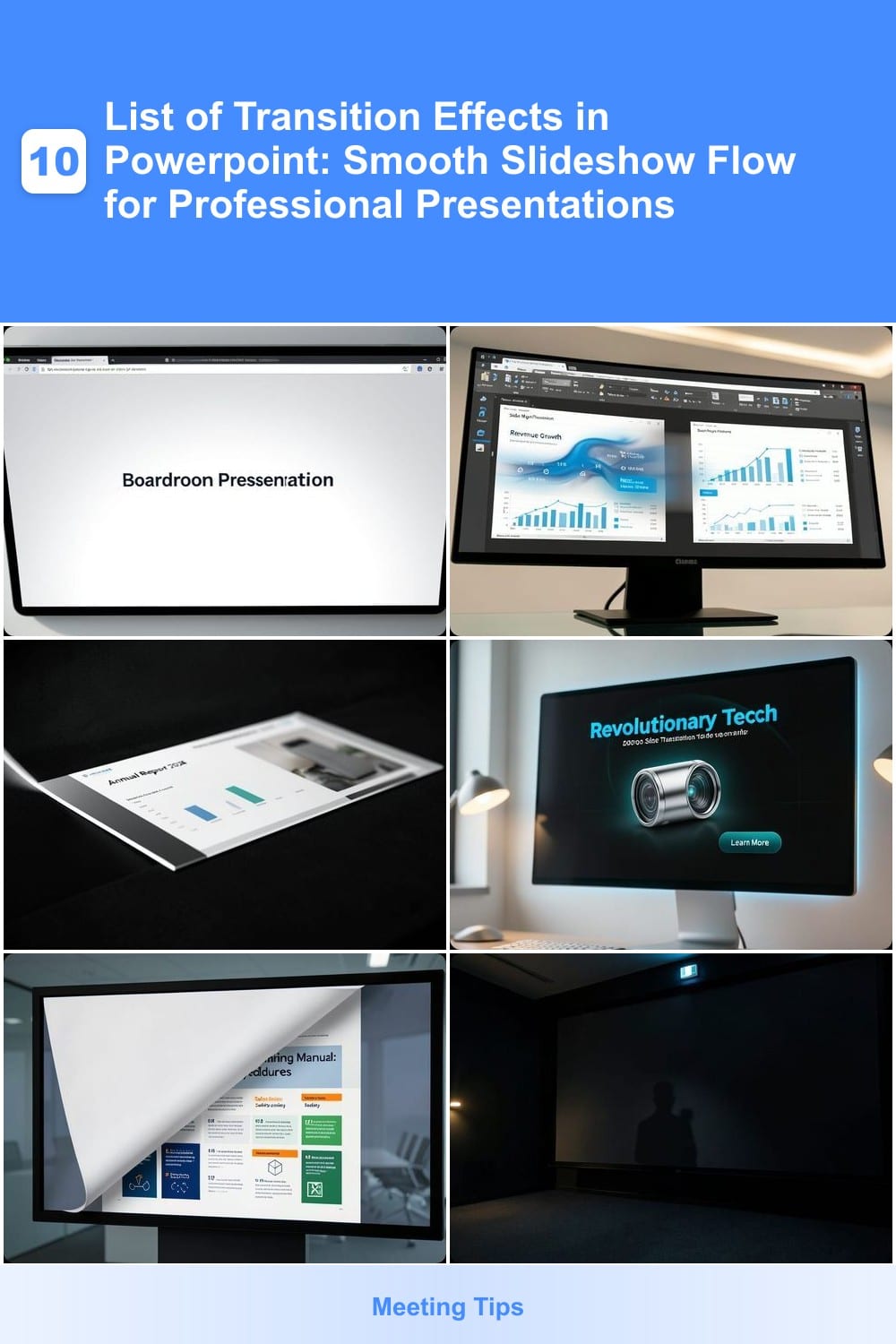
List of Transition Effects in Powerpoint: Smooth Slideshow Flow for Professional Presentations

October 15, 2026 by Jerome Lockhart
List of Transition Effects in Powerpoint: Smooth Slideshow Flow for Professional Presentations

Want to elevate your PowerPoint presentations with polished, professional transitions? These seven transition effects help create smooth slideshow flow while keeping your audience engaged—without looking unprofessional…

Read more

Categories PowerPoint

Microsoft Clip Art Images Free Download: Royalty-Free Templates for Presentations

October 7, 2026 by Jerome Lockhart
Microsoft Clip Art Images Free Download: Royalty-Free Templates for Presentations

Microsoft offers free clip art images through its official download channels, perfect for adding visuals to your presentations without breaking the bank. Ever spent hours searching for the right icon or illustration…

Read more

Categories PowerPoint

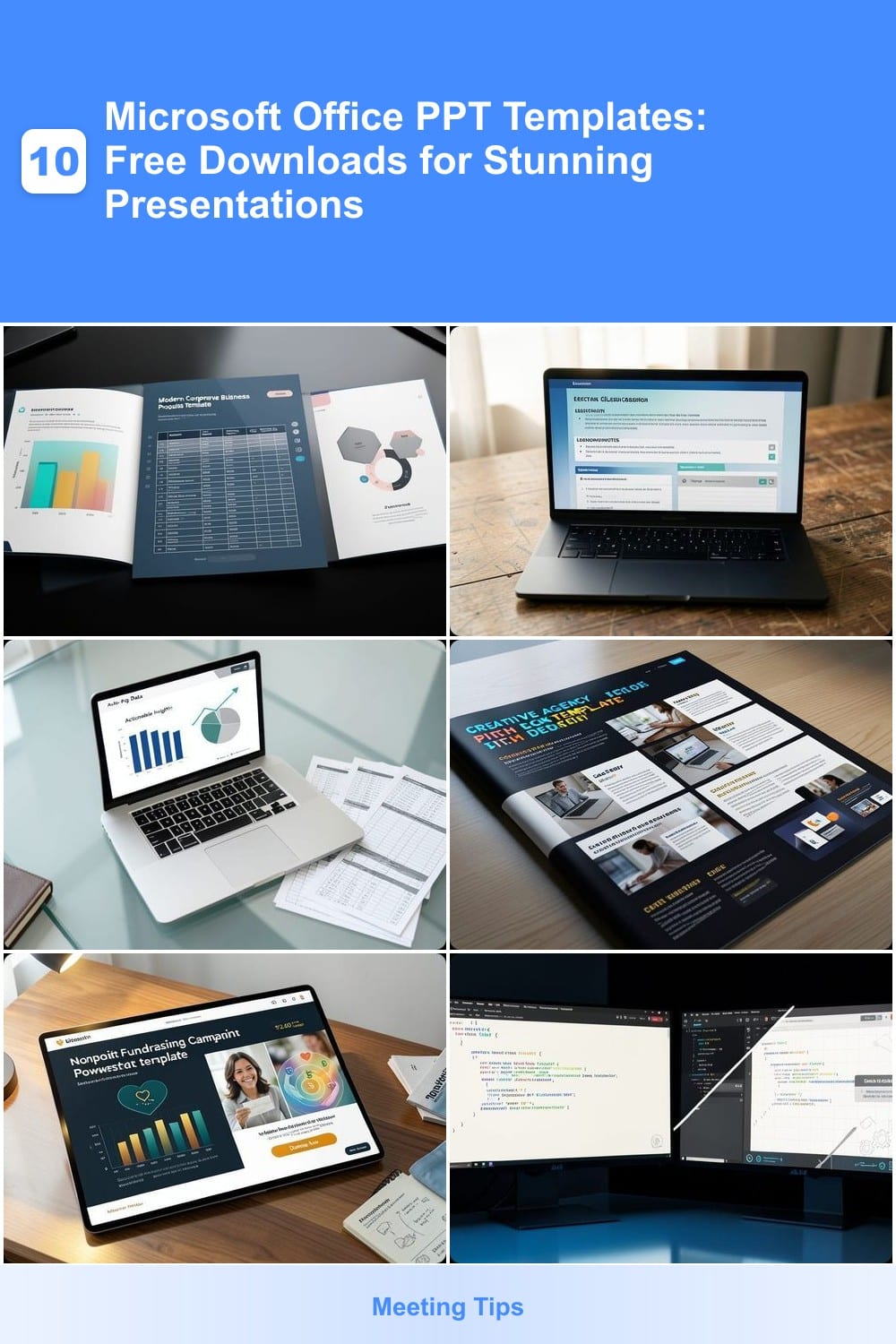
10 Microsoft Office PPT Templates: Free Downloads for Stunning Presentations

October 11, 2026 by Jerome Lockhart
10 Microsoft Office PPT Templates: Free Downloads for Stunning Presentations

Need eye-catching PowerPoint templates that won’t break the bank? These 10 free Microsoft Office-compatible designs elevate professional presentations without requiring design skills or premium subscriptions. 1 Modern…

Read more

Categories PowerPoint

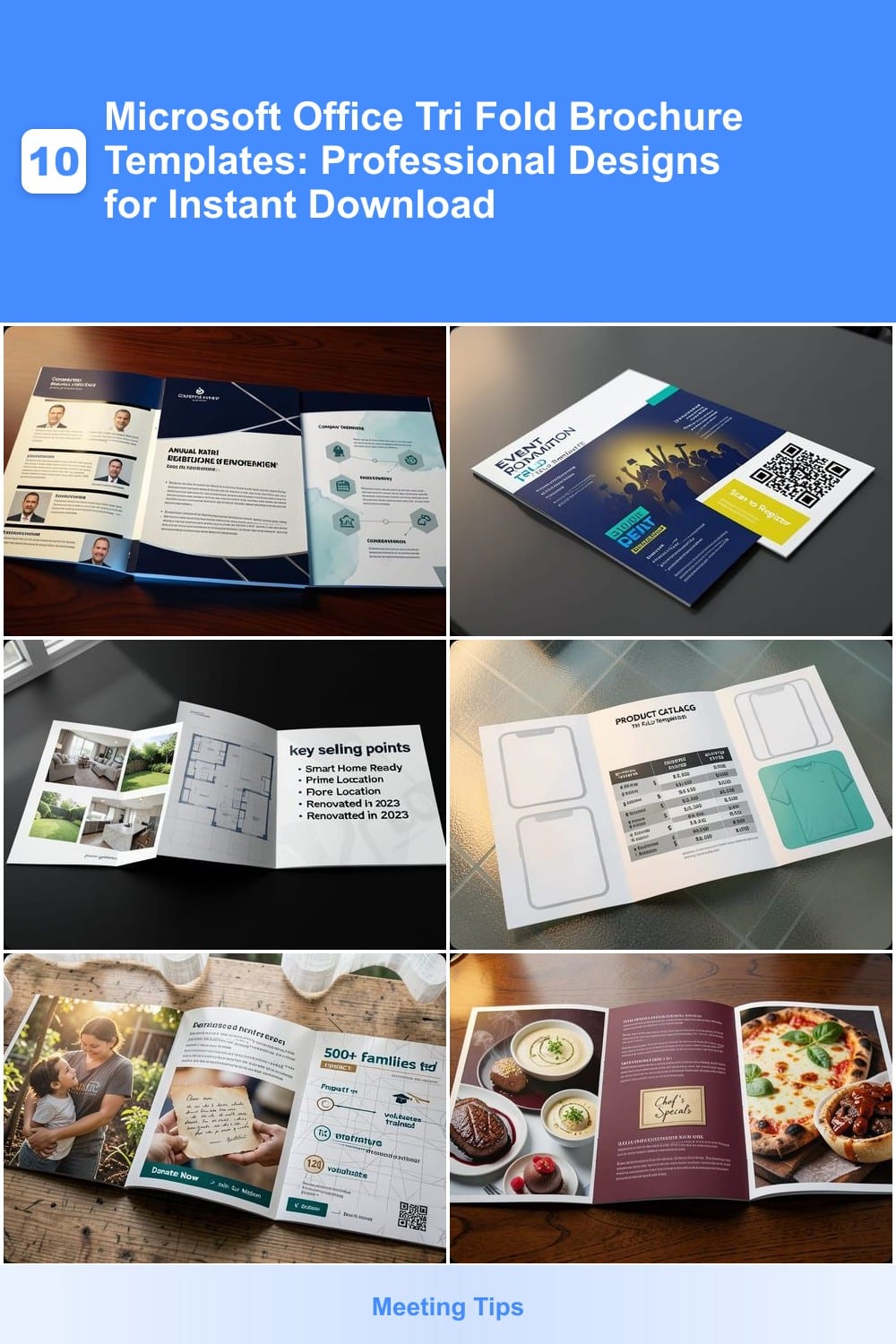
10 Microsoft Office Tri Fold Brochure Templates: Professional Designs for Instant Download

October 27, 2026 by Jerome Lockhart
10 Microsoft Office Tri Fold Brochure Templates: Professional Designs for Instant Download

Need eye-catching tri-fold brochures for your business or project? These 10 Microsoft Office-compatible templates in PowerPoint and Word formats let you create professional designs in minutes—no design skills required…

Read more

Categories PowerPoint

Visio Process Flow Diagram Template Free Download: Customizable Shapes for Workflow Design

October 12, 2026 by Jerome Lockhart
Visio Process Flow Diagram Template Free Download: Customizable Shapes for Workflow Design

A free Visio process flow diagram template download cuts your workflow design time from hours to minutes—no design skills required. Struggling to visualize complex workflows in Microsoft Visio? Whether you're mapping out…

Read more

Categories PowerPoint

Where Is the Eyedropper in PowerPoint: Shortcut Keys and Tool Location Explained

October 15, 2026 by Jerome Lockhart
Where Is the Eyedropper in PowerPoint: Shortcut Keys and Tool Location Explained

💥 Quick Answer To find the eyedropper in PowerPoint, locate the 'Eye Dropper' tool under 'Format Painter' in the 'Home' tab or use the shortcut Ctrl+Shift+C (Windows) or Cmd+Shift+C (Mac). It copies formatting like…

Read more

Categories PowerPoint

Where Is the Slide Navigation Pane in PowerPoint: Exact Location and Quick Access Shortcuts

October 6, 2026 by Jerome Lockhart
Where Is the Slide Navigation Pane in PowerPoint: Exact Location and Quick Access Shortcuts

💥 Quick Answer The slide navigation pane in PowerPoint is located on the left side of the screen by default, showing thumbnail previews of all slides in your presentation. You can toggle its visibility with the View tab…

Read more

Categories PowerPoint

Why Does My Powerpoint Keep Crashing: 5 Quick Fixes to Restore Stability Fast

October 10, 2026 by Jerome Lockhart
Why Does My Powerpoint Keep Crashing: 5 Quick Fixes to Restore Stability Fast

My PowerPoint keeps crashing because corrupted files, conflicting add-ins, or outdated software are silently sabotaging your presentations. ⚡ I’ve debugged this exact issue on three different machines —each time, the fix…

Read more

Categories PowerPoint
Page1Page2

About Me

Jerome Lockhart

Jerome Lockhart
I’ve been tinkering with computers since my dad let me take apart his old desktop in the mid-’90s—though I may have put it back together wrong half the time. Over the years, I’ve learned that the best tech advice comes from real-life struggles, not just manuals. Here, I share the tips, tricks, and troubleshooting steps I’ve picked up along the way, whether it’s fixing a stubborn printer or mastering a new piece of software. My goal? To make tech feel less intimidating and more like a tool that actually works *for* you.

Learn more

Recent Posts

  • Ok Google Set Up My Phone: Voice-Activated Sync in 3 Minutes
    Ok Google Set Up My Phone: Voice-Activated Sync in 3 Minutes
  • How to Check If Windows Is Activated: Instant Verification in 3 Clicks
    How to Check If Windows Is Activated: Instant Verification in 3 Clicks
  • How to Uninstall R on Mac: Complete Cleanup Without Lingering Files
    How to Uninstall R on Mac: Complete Cleanup Without Lingering Files
  • How to Set up Voice Recognition: Step-by-Step Guide for Flawless Activation
    How to Set up Voice Recognition: Step-by-Step Guide for Flawless Activation
  • Set up Msn Email on Mac: Step-by-Step MSN Account Sync Guide
    Set up Msn Email on Mac: Step-by-Step MSN Account Sync Guide
  • All Guides
  • About
  • Contact
  • Privacy Policy
  • Cookie Policy
  • Terms of Use
© 2026 meetingtips.work