Skip to content
Meeting Tips

Meeting Tips

  • All Articles
  • App
  • Coding
  • Hardware
  • More
    • Operating System
    • Outlook
    • PowerPoint
    • Review
    • Software
    • Tip & Trick
    • Troubleshooting
    • Windows

PowerPoint

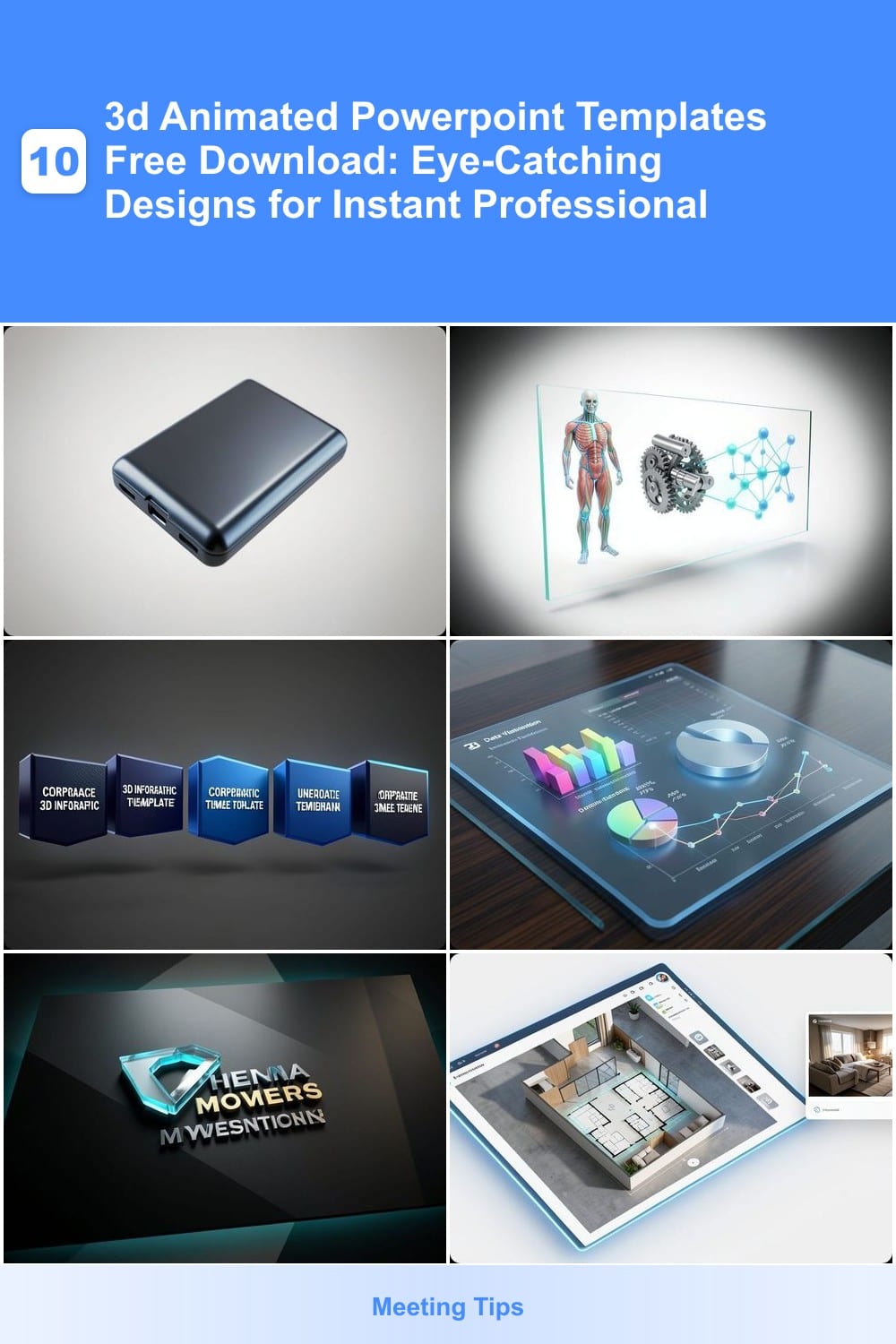
3d Animated Powerpoint Templates Free Download: Eye-Catching Designs for Instant Professional Impact
November 5, 2026 by Jerome Lockhart
3d Animated Powerpoint Templates Free Download: Eye-Catching Designs for Instant Professional Impact

Elevate your presentations instantly with these free 3D animated PowerPoint templates. Designed for professionals who need dynamic visuals without complex design skills, these templates transform boring slides into…

Read more

Categories PowerPoint

How to Add Voiceover to PowerPoint on iPad: Step-by-Step Visual Guide for Smooth Narration

October 15, 2026 by Jerome Lockhart
How to Add Voiceover to PowerPoint on iPad: Step-by-Step Visual Guide for Smooth Narration

Adding voiceover to PowerPoint on your iPad turns slides into polished presentations without ever leaving your couch. ✨ I’ve recorded countless presentations this way—my first attempt back in 2018 was a disaster (mic too…

Read more

Categories PowerPoint

How to Connect Boxes in Powerpoint: Smooth Transitions Between Slides

October 8, 2026 by Jerome Lockhart
How to Connect Boxes in Powerpoint: Smooth Transitions Between Slides

To connect boxes in PowerPoint feels like building a flowchart from scratch—except it’s shockingly simple once you know the right tools. I’ve spent hours untangling messy diagrams where connectors looked like spaghetti…

Read more

Categories PowerPoint

PowerPoint Background Copy: Instant Duplicate Slides Without Formatting Loss

October 15, 2026 by Jerome Lockhart
PowerPoint Background Copy: Instant Duplicate Slides Without Formatting Loss

To copy a background in PowerPoint without losing formatting, you’re about to save yourself hours of manual tweaking—something I’ve done far too many times myself. ✨ The trick lies in using the right method for your…

Read more

Categories PowerPoint

How to Create a Pie Chart in PowerPoint: Visual Guide for Beginners

October 15, 2026 by Jerome Lockhart
How to Create a Pie Chart in PowerPoint: Visual Guide for Beginners

My first attempt at how to create a pie chart in PowerPoint was a disaster—sliced data labels overlapping, colors clashing like a traffic accident. ⚡ Since then, I’ve perfected a 5-minute method that works every time…

Read more

Categories PowerPoint

PowerPoint on iPad: Quick Download and Setup Guide

October 7, 2026 by Jerome Lockhart
PowerPoint on iPad: Quick Download and Setup Guide

Downloading PowerPoint on your iPad takes less than 2 minutes —no tech degree required. I’ve helped dozens of folks at the Denver tech center set this up, and the process is shockingly straightforward once you know the…

Read more

Categories PowerPoint

How to Embed a Website in PowerPoint: Interactive Slideshow Magic in Minutes

October 8, 2026 by Jerome Lockhart
How to Embed a Website in PowerPoint: Interactive Slideshow Magic in Minutes

To embed a website in PowerPoint, you’re turning static slides into living portals—no coding required. ✨ I’ve done this for client demos where real-time data mattered, and the difference between a screenshot and a live…

Read more

Categories PowerPoint

How to Install PowerPoint From Office 365: One-Click Setup for Instant Access

October 8, 2026 by Jerome Lockhart
How to Install PowerPoint From Office 365: One-Click Setup for Instant Access

Installing PowerPoint from Office 365 takes less than five minutes—no tech degree required. ✨ I’ve walked clients through this process hundreds of times, and the real trick is avoiding the common pitfalls that turn a…

Read more

Categories PowerPoint

How to Rotate Ruler in Powerpoint: Precision Alignment in Seconds

October 15, 2026 by Jerome Lockhart
How to Rotate Ruler in Powerpoint: Precision Alignment in Seconds

Rotating the ruler in PowerPoint isn’t just possible—it’s shockingly simple once you know the trick. ✨ I’ve spent hours aligning slides manually, and this little adjustment cuts that time in half every single…

Read more

Categories PowerPoint

How to Save a PowerPoint to a Flash Drive: Quick Transfer Without File Errors

October 8, 2026 by Jerome Lockhart
How to Save a PowerPoint to a Flash Drive: Quick Transfer Without File Errors

Saving your PowerPoint to a flash drive should take less than a minute—but I’ve seen it turn into a 10-minute headache when files get stuck or formats fail. The key is checking your USB first: plug it in, wait for…

Read more

Categories PowerPoint
Page1Page2Next →

About Me

Jerome Lockhart

Jerome Lockhart
I’ve been tinkering with computers since my dad let me take apart his old desktop in the mid-’90s—though I may have put it back together wrong half the time. Over the years, I’ve learned that the best tech advice comes from real-life struggles, not just manuals. Here, I share the tips, tricks, and troubleshooting steps I’ve picked up along the way, whether it’s fixing a stubborn printer or mastering a new piece of software. My goal? To make tech feel less intimidating and more like a tool that actually works *for* you.

Learn more

Recent Posts

  • Ok Google Set Up My Phone: Voice-Activated Sync in 3 Minutes
    Ok Google Set Up My Phone: Voice-Activated Sync in 3 Minutes
  • How to Check If Windows Is Activated: Instant Verification in 3 Clicks
    How to Check If Windows Is Activated: Instant Verification in 3 Clicks
  • How to Uninstall R on Mac: Complete Cleanup Without Lingering Files
    How to Uninstall R on Mac: Complete Cleanup Without Lingering Files
  • How to Set up Voice Recognition: Step-by-Step Guide for Flawless Activation
    How to Set up Voice Recognition: Step-by-Step Guide for Flawless Activation
  • Set up Msn Email on Mac: Step-by-Step MSN Account Sync Guide
    Set up Msn Email on Mac: Step-by-Step MSN Account Sync Guide
  • All Guides
  • About
  • Contact
  • Privacy Policy
  • Cookie Policy
  • Terms of Use
© 2026 meetingtips.work