I’ve been tinkering with computers since my dad let me take apart his old desktop in the mid-’90s—though I may have put it back together wrong half the time. Over the years, I’ve learned that the best tech advice comes from real-life struggles, not just manuals. Here, I share the tips, tricks, and troubleshooting steps I’ve picked up along the way, whether it’s fixing a stubborn printer or mastering a new piece of software. My goal? To make tech feel less intimidating and more like a tool that actually works *for* you.
Learning how to create a log file on my grandmother’s Windows 95 machine at twelve taught me something critical: logging isn’t just for errors—it’s the silent record of everything your system does. ⚡ Whether you’re…
Adding a public key to your Linux authorized keys file is the first step toward password-free SSH access—something I still remember debugging at 3 AM during my first server setup in Pittsburgh. The process is…
Printing your PowerPoint notes pages just got easier than ever—this hidden trick saves hours of manual reformatting. ⚡ I used to spend 20 minutes wrestling with print settings, but now it takes less than 30 seconds to…
Adding a password to your iPhone is one of the fastest ways to lock down your device—especially when you want to bypass Face ID or Touch ID for maximum security. I’ve set up passcodes on every iPhone since the 6s, and…
Learn how to enable content in PowerPoint —because that yellow warning banner isn’t just annoying; it’s blocking macros, embedded videos, or even your carefully built animations since Microsoft’s security settings treat…
My PowerPoint keeps freezing because of one of three hidden culprits: corrupted files, outdated software, or background processes hogging resources. ⚡ I've debugged this exact issue on over a dozen machines—including my…
Changing your Notes password on a Mac is simpler than you think—especially when you follow the right path. 💻 I’ve helped dozens of friends reset their passwords after forgetting them, and the process only trips people…
My Google Docs page breaks used to drive me nuts—until I discovered the three-second trick that removes them without wrecking your formatting. 💡 The key is spotting where they hide: sometimes in manual breaks, sometimes…
To make an embedded link, you’re just one line of code away from turning plain text into a live connection—whether it’s for a website, email, or document. ✨ I’ve embedded links in everything from HTML pages to Outlook…
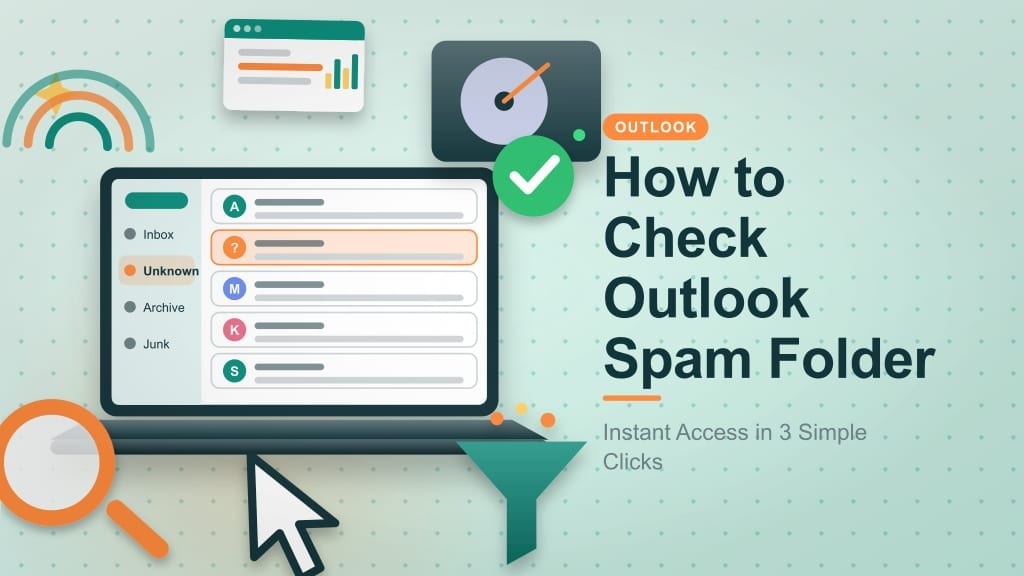
Learning how to check the spam folder in Outlook is a lifesaver—like when it caught my accidental mass-email blunder to the wrong client list. Checking it takes three clicks once you know where to look, and I’ll show you…