I’ve been tinkering with computers since my dad let me take apart his old desktop in the mid-’90s—though I may have put it back together wrong half the time. Over the years, I’ve learned that the best tech advice comes from real-life struggles, not just manuals. Here, I share the tips, tricks, and troubleshooting steps I’ve picked up along the way, whether it’s fixing a stubborn printer or mastering a new piece of software. My goal? To make tech feel less intimidating and more like a tool that actually works *for* you.
Checking for corrupted files saved me from losing a client's entire database once—something I'll never forget. ⚡ That night, I ran a simple command-line check that revealed the corruption before it became permanent. The…
To do subscript on Mac, just press ⌘ + = —that’s it. ✨ I’ve used this shortcut for years in everything from lab reports to chemistry equations, and it’s the fastest way to format text without hunting through menus. The…
What happened to the MSN News app? It was discontinued in 2020 when Microsoft shifted focus to its web-based news platform and integrated news features into Microsoft Edge. Users were redirected to MSN.com for news…
Upgrading Adobe Flash Player on Windows 10 in 2024 isn’t just about keeping your old games running—it’s about avoiding security gaps while making legacy apps work. Microsoft’s end-of-life announcement in 2020 didn’t kill…
To continue a slide in PowerPoint without starting from scratch, you’ll save hours of reformatting frustration. ✨ I’ve rebuilt presentations where the original creator left half-finished slides, and the right method…
To contact Microsoft Support by phone, start with the official numbers listed on their support website—these are the only ones you should trust. ⚡ I’ve used these myself when troubleshooting a stubborn Surface Pro issue…
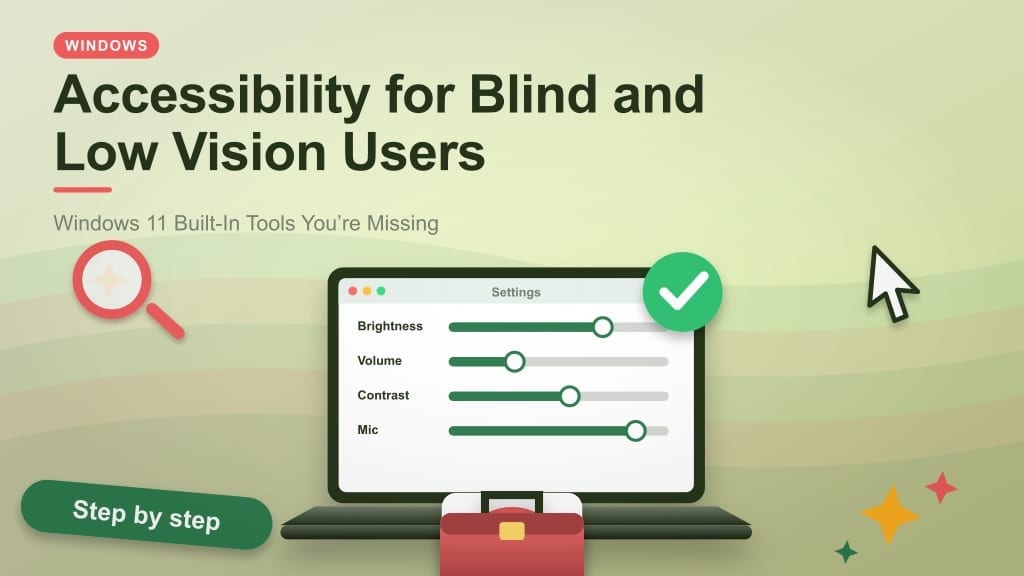
Windows 11 accessibility for blind and low vision users unlocks a world of customizable tools that many overlook—but they could change how you interact with tech. Did you know the built-in Narrator screen reader can turn…
Looping a video on your PC used to mean glitchy workarounds, but today’s tools make it foolproof and smooth. ✨ I’ve tested every method—from built-in players to lightweight third-party apps—and the right approach depends…
Can you put an alarm on your laptop with ease? 💥 Quick Answer: Yes, you can set one using built-in tools like Windows Alarm & Clock app, macOS Reminders, or Linux terminal commands, or by installing third-party alarm…
To search messages on Mac, Spotlight is your fastest friend—just hit Command+Space , type your search term, and let macOS dig through Messages, Mail, and even iCloud backups in seconds. 💡 I’ve used this trick for years…