
Coding
SQL Server 2012 introduced groundbreaking features that transformed database management. Whether you're a DBA or developer, these innovations boost performance, security, and scalability—making them essential for modern database workflows.
AlwaysOn Availability Groups

Mission-critical applications demand zero tolerance for downtime, and SQL Server 2012’s AlwaysOn Availability Groups delivers exactly that. This game-changing feature replaces older solutions like database mirroring with a synchronous replication model across multiple servers, ensuring data consistency while minimizing failover time to mere seconds.
With support for up to eight secondary replicas, you can distribute read workloads globally while maintaining a single primary database. The automatic failover capability kicks in seamlessly if the primary server fails, and transactional consistency guarantees no data loss. For enterprises running 24/7 operations, this means fewer manual interventions and near-instant recovery from outages.
Perfect for financial systems, healthcare databases, or e-commerce platforms, AlwaysOn Availability Groups eliminate single points of failure while keeping costs manageable. ⚡
Columnstore Indexes for Data Warehousing

If your data warehouse queries feel sluggish and storage costs are eating your budget, columnstore indexes in SQL Server 2012 could be your game-changer. This feature redefines how data is stored and processed, offering 10x compression while delivering blazing-fast analytics for large datasets.
The magic happens through columnar storage, which groups data by columns instead of rows—ideal for aggregations and scans. You’ll see query performance improvements of 10-100x for analytical workloads, thanks to optimized batch processing. Plus, the zero-maintenance compression reduces storage footprint without sacrificing speed.
Perfect for data analysts, BI teams, and enterprises running heavy reporting workloads, columnstore indexes turn storage savings into performance gains. ⚡
Contained Databases with User-Defined Schema

Tired of databases becoming tangled in server-level dependencies that complicate deployments? Contained Databases in SQL Server 2012 solve this by isolating database objects—like schemas, users, and logins—from the server itself. This means you can move databases between environments without rewriting connections or permissions, a game-changer for multi-tenant SaaS applications.
The feature introduces two containment modes: partial (isolation for database objects only) and full (complete isolation, including user logins and credentials). You also get user-defined schemas, letting you organize objects logically without relying on server defaults. Scripting and deployment become cleaner, and compatibility with SQL Server Data Tools (SSDT) makes version control seamless.
Perfect for developers deploying microservices or DBAs managing cloud-hosted databases, this feature cuts through the complexity of traditional database management. 💻
Windows Server Core Support

Tired of bloated server environments slowing down your SQL deployments? Windows Server Core support in SQL Server 2012 lets you run SQL Server on a minimal, 64-bit headless installation with just the essential components—no GUI, no bloat.
This lightweight footprint reduces your attack surface by eliminating unnecessary services, while still delivering full SQL Server functionality. Maintenance becomes a breeze with zero-configuration updates and streamlined patching. The smaller memory footprint also means better resource utilization for your database workloads.
Perfect for secure, high-security environments like financial systems or government deployments, where minimizing vulnerabilities is critical. If you're managing servers where security and efficiency matter most, this feature is a game-changer. 💪
SQL Server Data Tools (SSDT) Integration
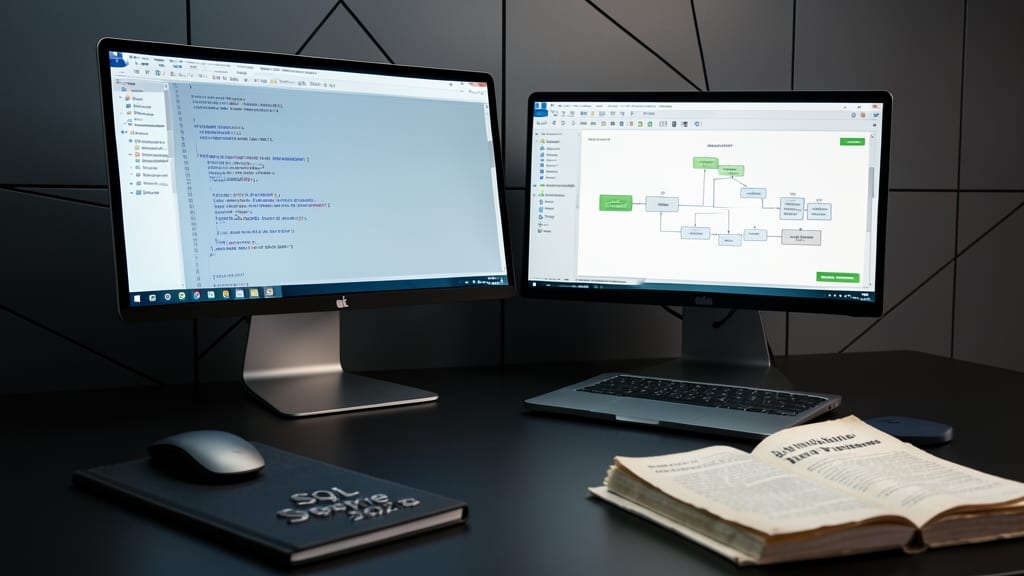
Tired of juggling separate tools for database development and SQL Server management? SQL Server Data Tools (SSDT) bridges that gap by embedding database project support directly into Visual Studio 2010/2012. This integration lets you version-control database schemas alongside your application code, using familiar source control systems like TFS or Git.
The real game-changer is schema comparison and deployment, where SSDT highlights differences between your local project and production databases with a visual diff tool. Debugging stored procedures becomes seamless with breakpoints and variable inspection—just like in application development. Plus, database unit testing ensures your scripts work before deployment, catching issues early. For teams using Visual Studio, this eliminates context-switching between SSMS and external tools.
This feature is a must-have for development teams working on enterprise applications where database changes must align with application releases. It’s especially valuable for agile environments where rapid, reliable database updates are critical. ✨
Power View for Interactive Reporting
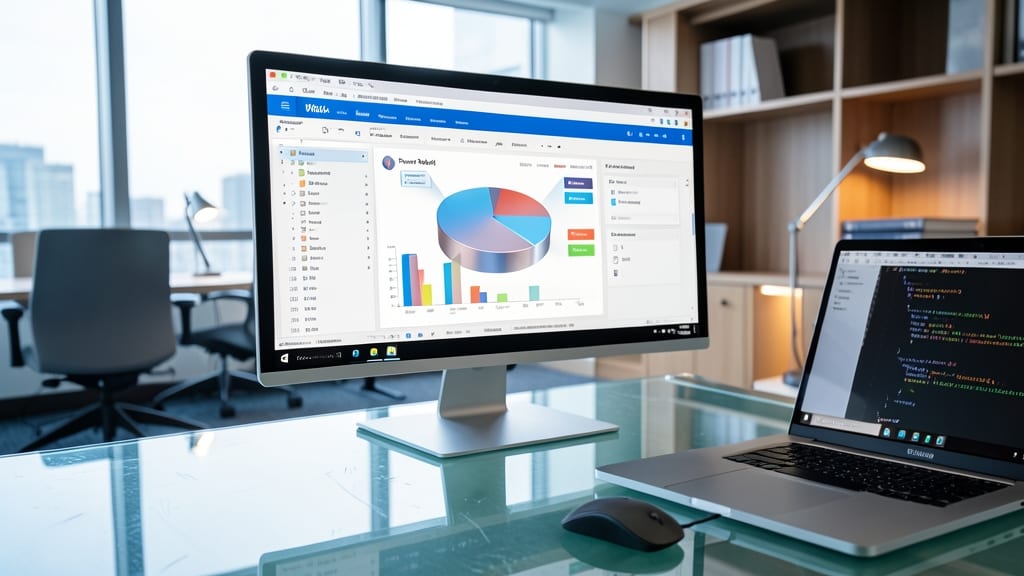
Tired of waiting for IT to generate reports or struggling with complex BI tools? Power View—introduced in SQL Server 2012—brings self-service analytics directly into Excel 2013, letting business users create interactive dashboards without writing a single line of SQL.
With drag-and-drop visualizations, you can build 3D charts, maps, and pivot tables that respond to filters in real time. The tool integrates seamlessly with SQL Server Analysis Services (SSAS), pulling data from cubes or relational databases. Even non-technical users can explore trends, drill down into details, and share insights—all within the familiar Excel interface.
Perfect for marketing teams, finance analysts, or sales managers, Power View eliminates dependency on developers while delivering professional-grade reporting. Just connect your data source, and let the tool handle the rest. ✨
Contained Database Authentication
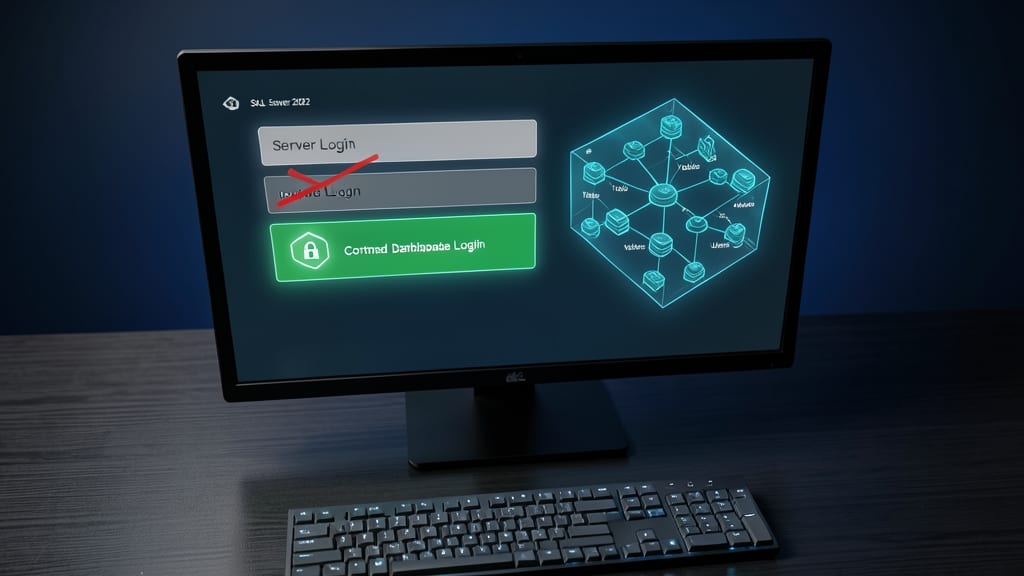
Tired of managing server-level logins for every database? Contained Database Authentication in SQL Server 2012 lets you handle user credentials inside the database itself, cutting through the complexity of server-wide permissions.
This feature lets you create database-scoped logins (using SQL authentication) that don’t require server logins, making deployments cleaner and user management 100% self-contained. Perfect for cloud deployments or hybrid scenarios where you need zero dependency on server-level credentials. The CREATE USER syntax now supports contained database users, and permissions propagate automatically when databases move between servers.
Ideal for multi-tenant SaaS providers or teams managing isolated environments, this cuts admin overhead while keeping security intact. ✨
SQL Server Data Quality Services
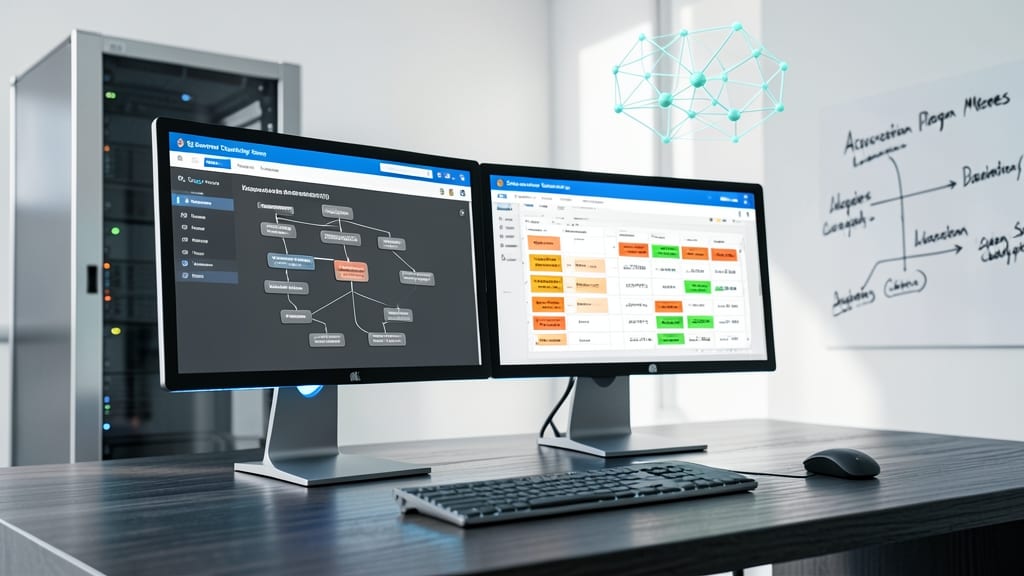
When merging customer records from acquisitions or consolidating legacy systems, SQL Server Data Quality Services (DQS) becomes your secret weapon. This enterprise-grade framework doesn't just clean data—it uses knowledge-based matching rules to intelligently resolve duplicates, standardize formats, and enforce business logic across disparate datasets.
With DQS projects you define custom domains (like "US Zip Codes" or "Product Categories") and matching policies, while the system learns from your corrections to improve accuracy over time. The integration with SQL Server Integration Services (SSIS) lets you embed data cleansing directly into ETL pipelines, reducing manual effort by up to 70% for large migrations. For organizations dealing with multi-source consolidations, this is the only tool that combines rule-based matching with machine learning-assisted corrections in a single workflow.
Ideal for finance, healthcare, and retail sectors where data integrity directly impacts compliance and revenue, DQS turns messy mergers into clean, actionable datasets with minimal manual intervention. ✨
SQL Server 2012 AlwaysOn Read-Only Routing
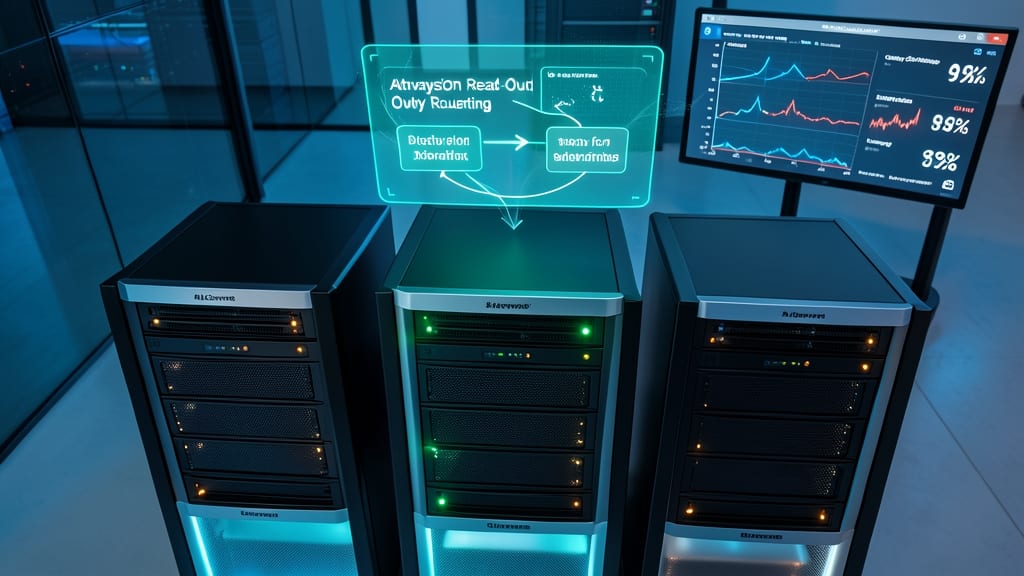
Struggling with read-heavy applications that slow down under load? SQL Server 2012 AlwaysOn Read-Only Routing automatically distributes read queries across secondary replicas, freeing your primary server for writes and boosting performance without application changes.
This feature works by routing read requests to readable secondary replicas in an AlwaysOn Availability Group, reducing contention on the primary. It supports up to 8 readable secondaries per group, and you can configure routing policies via T-SQL or PowerShell. The best part? No app-level modifications—just configure the database, and SQL Server handles the rest.
Perfect for high-traffic reporting systems or OLTP applications with heavy read workloads, this feature lets you scale reads horizontally without complex load-balancing setups. ✨
SQL Server 2012 AlwaysOn Failover Clustering Improvements

Tired of failover scenarios leaving gaps in your data? SQL Server 2012's AlwaysOn Failover Clustering introduces synchronous commit—a game-changer for clustered environments where data integrity is non-negotiable.
With this feature, your primary and secondary nodes stay in perfect sync before acknowledging transactions, guaranteeing zero data loss during automatic failovers. The enhanced failover process now includes built-in health checks, reducing manual intervention by up to 70% compared to previous versions. Even complex multi-subnet clusters benefit from streamlined failover coordination.
This is a must-have for financial systems, healthcare databases, or any mission-critical application where downtime isn't an option. ⚡