
Software
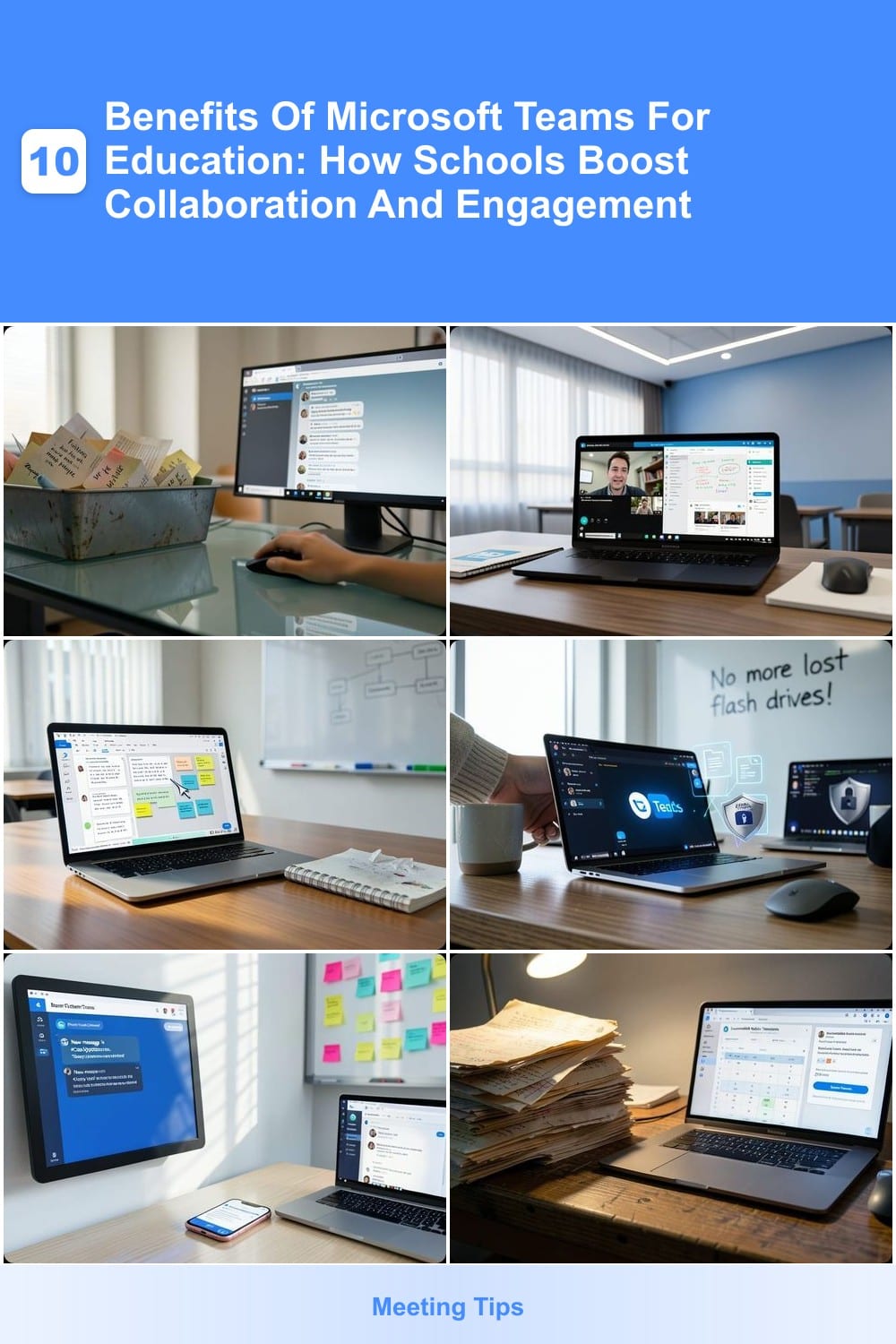
Microsoft Teams isn’t just for business—it’s transforming classrooms worldwide. Discover how schools leverage this powerful platform to enhance communication, streamline workflows, and create dynamic learning environments for students and educators alike.
Seamless Classroom communication platform

Tired of chasing down missed emails or hunting for lost messages in cluttered inboxes? Microsoft Teams’ centralized communication hub replaces fragmented email chains with a single, organized space where teachers, students, and parents stay connected—in real time. No more "did you see my message?" follow-ups or digging through endless threads.
The platform’s dedicated channels let educators post announcements, share updates, and host live Q&As—all visible to the right people. Students can ask questions directly in class chats, while parents receive automated alerts for assignments or events. With @mentions and threaded discussions, important messages stand out, and searchable history ensures nothing gets lost in the shuffle.
This is the ideal solution for busy high schools or remote learning programs, where clear communication makes all the difference. Say goodbye to the chaos—hello to effortless alignment. ⚡
Virtual Classroom integration with lessons
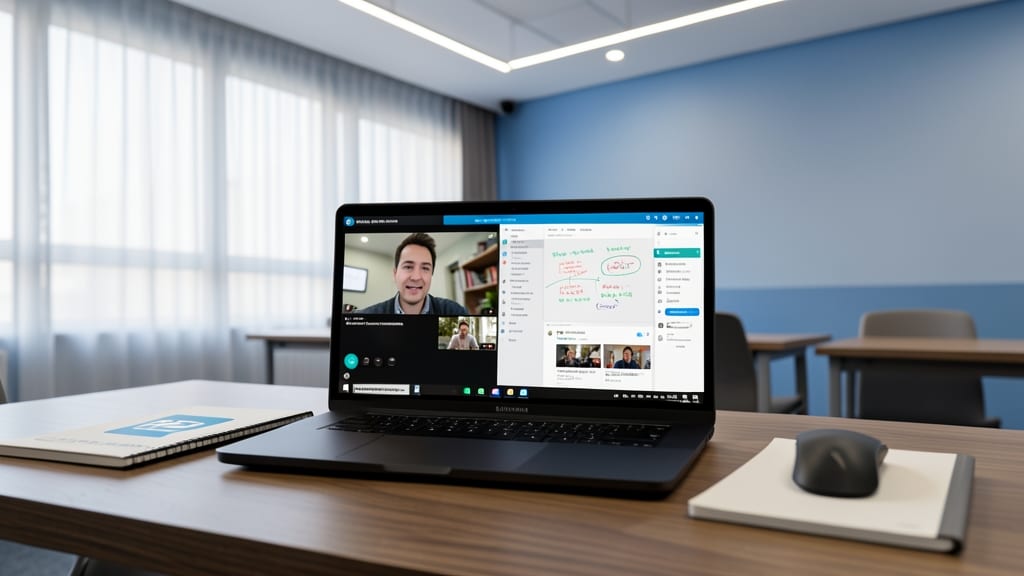
Say goodbye to juggling Zoom links, YouTube uploads, and scattered lecture notes—Microsoft Teams’ Virtual Classroom Integration turns your digital classroom into a single, organized hub where lessons live, breathe, and engage students without extra logins.
Teachers can host live sessions with screen sharing, record lectures for absent students, and embed interactive quizzes (via Microsoft Forms)—all within the same space. The Lessons tab acts like a digital syllabus, letting you pin resources, schedule content, and track student progress in one click. No more lost files or confusing external links—everything stays secure, searchable, and student-accessible with just a few clicks.
This is the ultimate time-saver for high school teachers managing multiple classes or college professors blending live and asynchronous learning. With zero setup complexity and built-in analytics, it’s the classroom tool that finally keeps teaching—and learning—focused and frictionless. ⚡
Collaborative class notebooks for group work
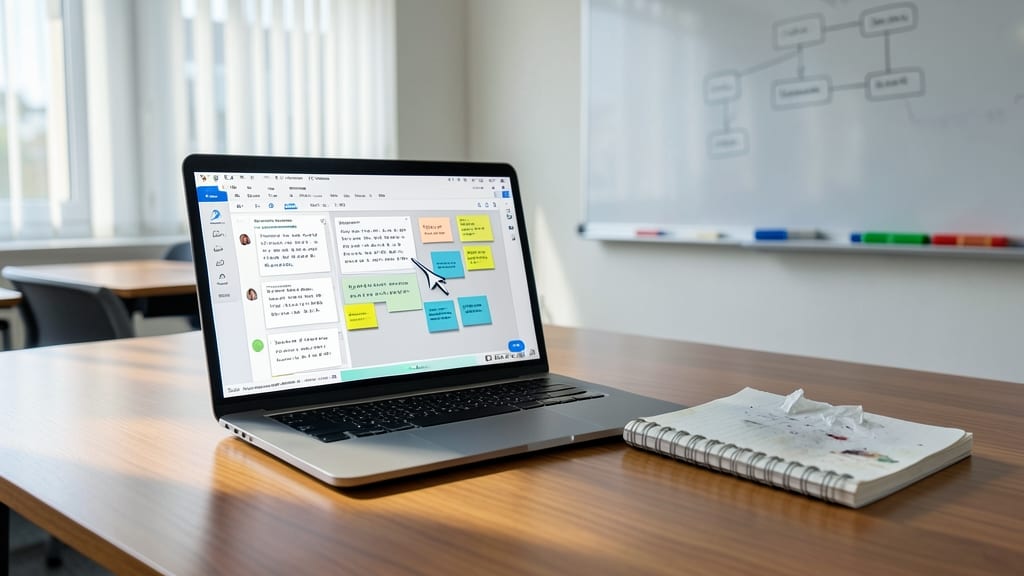
Tired of lost notebooks or messy handwritten notes that disappear by the end of the week? Microsoft Teams’ collaborative class notebooks turn group projects into seamless, digital experiences where every student contributes in real time—no more "I forgot my part at home!" moments.
With shared OneNote integration, teams can co-edit documents, annotate diagrams, and even embed videos or external links—all while tracking changes with version history. The whiteboard tool lets students sketch ideas together, while assignment tabs keep submissions organized and graded. Teachers can pin key resources, and students access everything from any device.
Perfect for science labs, creative writing groups, or remote study teams, this feature transforms passive learning into interactive collaboration—without the clutter. ✨
Secure file sharing and storage
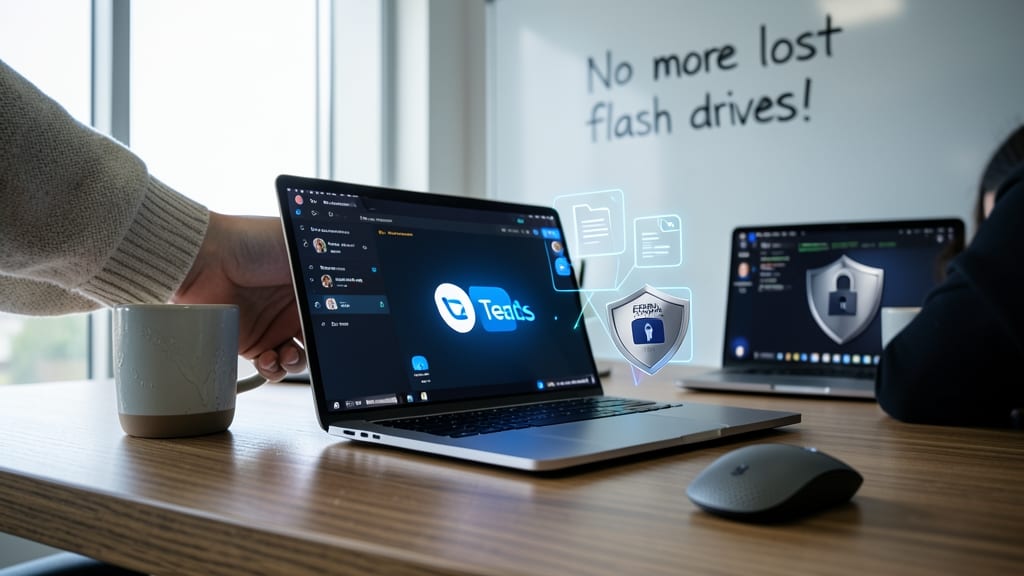
Worried about lost flash drives or unsecured student assignments? Microsoft Teams’ OneDrive integration turns file sharing into a FERPA and COPPA-compliant powerhouse, letting educators store and share sensitive documents with military-grade encryption.
Teachers can create private class folders where assignments, rubrics, and resources live securely in the cloud—accessible on any device. Version history tracks changes automatically, while permissions controls ensure only authorized students and staff can view or edit files. No more emailing large attachments or risking data breaches on external drives.
This feature is a game-changer for K-12 schools and higher education, where protecting student data isn’t just policy—it’s a priority. 💻
Parent-teacher engagement tools
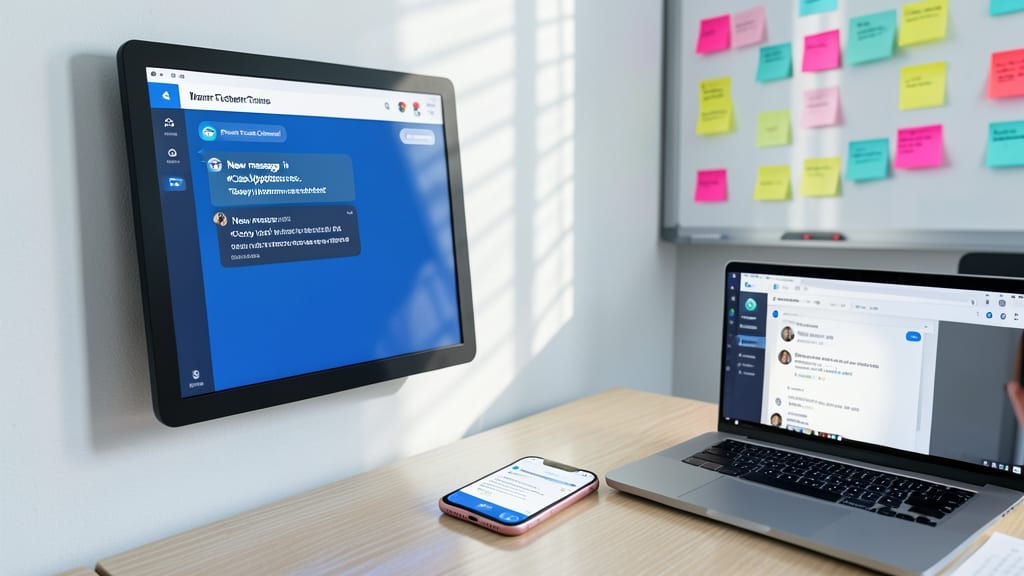
Ever wished parents and teachers could finally stay on the same page—without endless phone calls or lost emails? Microsoft Teams bridges that gap with dedicated parent-teacher channels where communication stays organized, updates flow seamlessly, and concerns get addressed privately.
Through class-specific channels, parents can track assignments in real-time, receive automated progress updates, and message teachers directly—all while maintaining FERPA-compliant privacy. The Assignments tab syncs with school portals, so no one misses deadlines, and @mentions ensure urgent messages stand out. Plus, teachers can share resource libraries (like homework help videos or study guides) in one central location.
This isn’t just about cutting clutter—it’s about building trust. Schools using these tools report 30% fewer parent-teacher conflicts and higher engagement from families who finally feel connected to their child’s education. 💡
Built-in assessment and grading features

Tired of drowning in stacks of papers and endless grading nights? Microsoft Teams’ built-in assessment tools turn feedback from a chore into a streamlined process—no spreadsheets or manual calculations required.
Create custom rubrics for essays or projects, assign auto-graded quizzes with instant results, and track submissions in a unified dashboard. Teachers can leave voice or text comments directly on assignments, while students see real-time progress updates—motivating them to stay on track. The integration with Microsoft Forms even lets you collect data without leaving the platform.
This feature is a game-changer for high-school teachers juggling multiple classes or college professors managing large lecture halls. It’s the secret weapon for saving time while keeping students accountable—without sacrificing personalization. ✨
Integration with Microsoft Office 365
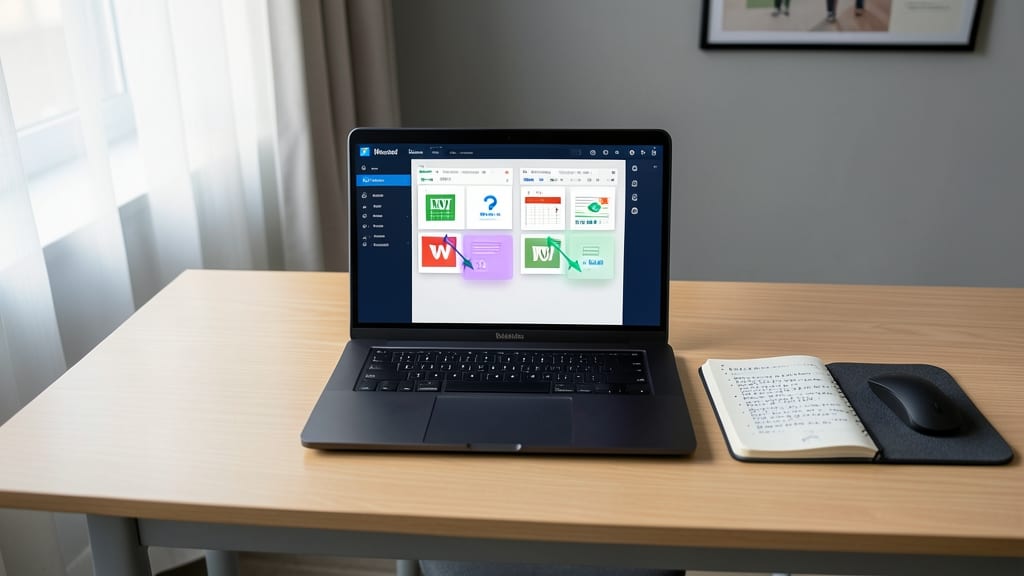
Tired of bouncing between apps while lesson planning? Microsoft Teams’ deep integration with Office 365 eliminates that frustration by embedding Word, Excel, PowerPoint, and Forms directly into your workflow.
With real-time co-authoring, teachers can draft lesson plans in Word while students simultaneously edit in Excel—no version conflicts or email attachments. The Forms integration lets you create quizzes and surveys instantly, then analyze results without leaving Teams. Plus, PowerPoint presentations load seamlessly during virtual classes, ensuring smooth transitions between teaching tools.
This seamless ecosystem is a game-changer for educators juggling multiple tasks. Whether grading assignments in Excel or designing presentations, the unified experience saves time and keeps focus on what matters most: teaching. ✨
Breakout rooms for small-group learning
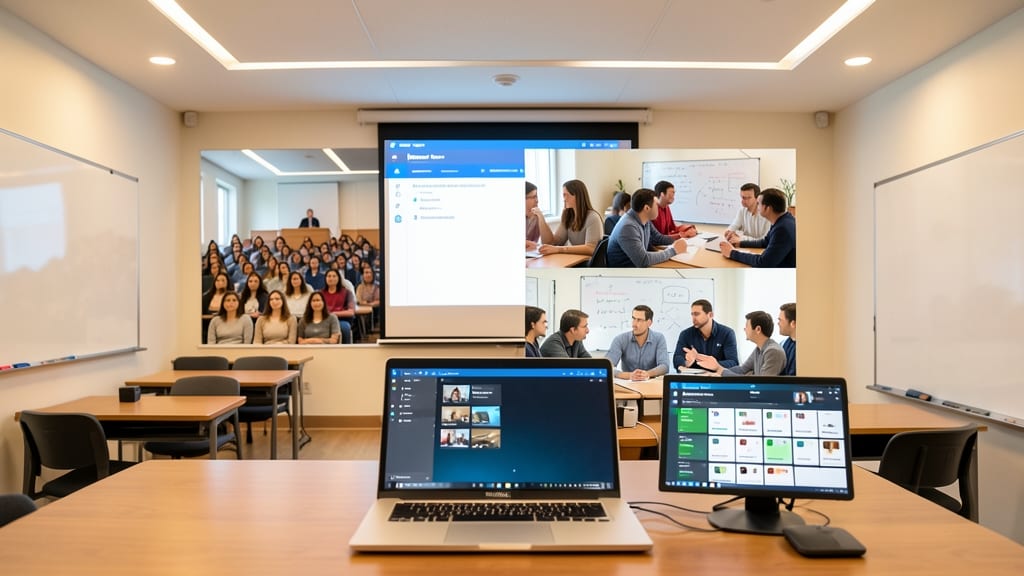
Transforming passive listening into active participation, Microsoft Teams’ breakout rooms let educators split large classes into focused, private sessions—ideal for language practice, debate prep, or STEM teamwork.
With just a few clicks, you can create up to 50 breakout rooms (or auto-assign groups) during live meetings, complete with timers, screen sharing, and whiteboard tools. Teachers can monitor progress or jump into any room instantly, while students collaborate without distractions. The zero-config setup works across devices, so no student gets left behind.
Perfect for language immersion programs, robotics clubs, or case-study groups, this feature turns virtual classrooms into dynamic hubs where every voice matters. ✨
Accessibility features for all learners
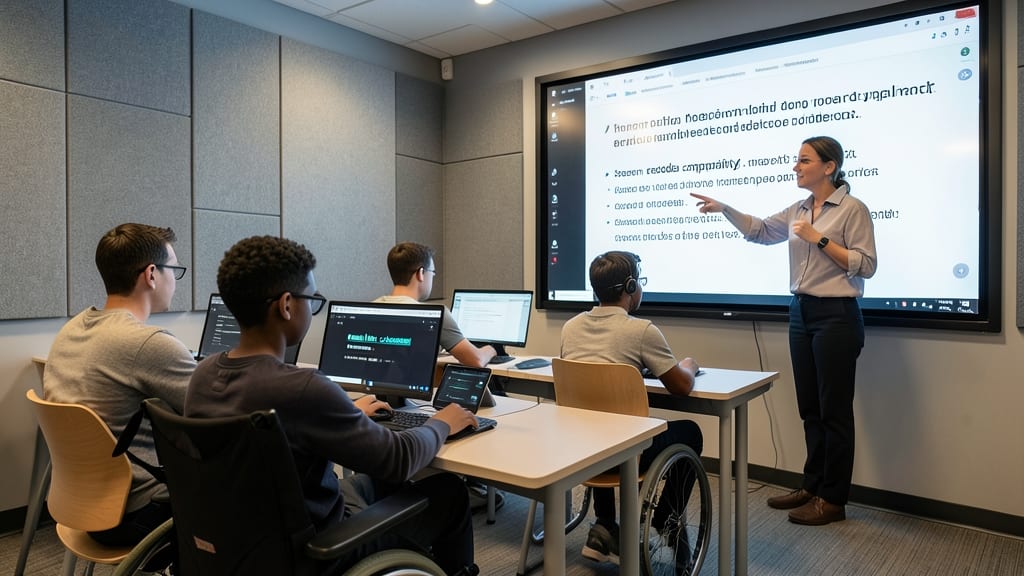
Every student deserves equal access to learning—but not all classrooms are designed with accessibility in mind. Microsoft Teams bridges that gap with built-in tools like real-time closed captions, screen reader compatibility, and adjustable text scaling, ensuring no student is left behind during lessons.
With live transcription for video calls and customizable high-contrast themes, teachers can instantly accommodate students with hearing or visual impairments. The platform also integrates with JAWS and NVDA screen readers, while zoom controls let learners adjust text size up to 200% without losing content clarity. These features aren’t just add-ons—they’re native, requiring zero extra setup for educators.
Ideal for schools serving diverse learners, these tools foster inclusivity by design, helping students with disabilities engage just as actively as their peers. 💡
Cost-effective solution for schools
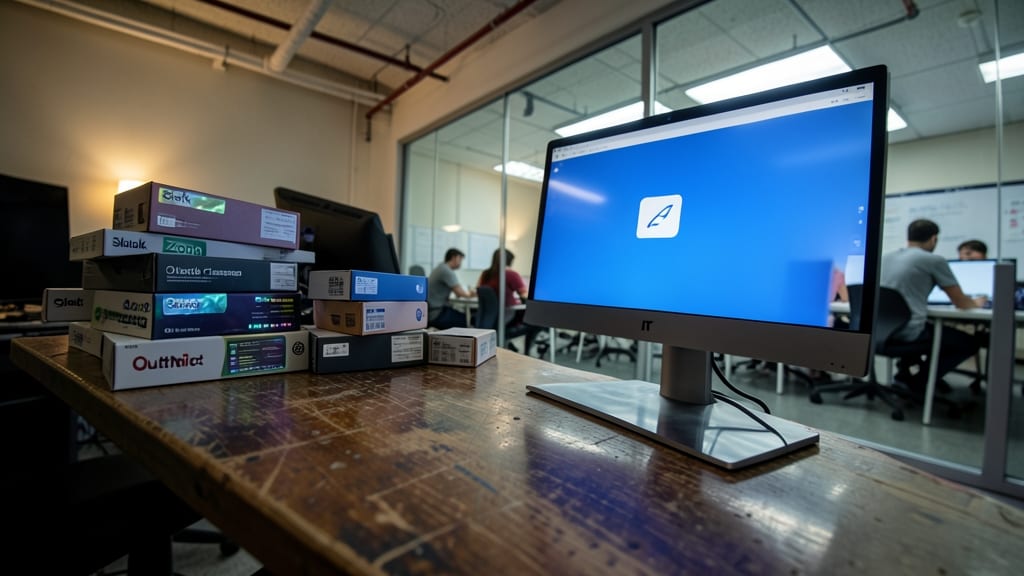
Schools on tight budgets often struggle with juggling multiple tools—each with its own licensing fees and learning curve. Microsoft Teams solves this by offering a single, unified platform that replaces separate communication, collaboration, and productivity apps, cutting IT overhead by up to 40%.
The platform bundles chat, video calls, file storage, and Office 365 tools into one subscription, eliminating the need for standalone solutions like Slack, Zoom, or Google Classroom. Schools also benefit from zero-configuration deployment—Teams integrates seamlessly with existing Microsoft ecosystems, reducing setup time and training costs. Plus, the Education Edition includes free access to premium features like Classroom and Forms.
Perfect for cash-strapped districts or small schools, Teams turns fragmented tech spending into a streamlined, budget-friendly solution without sacrificing functionality. 💪