I’ve been tinkering with computers since my dad let me take apart his old desktop in the mid-’90s—though I may have put it back together wrong half the time. Over the years, I’ve learned that the best tech advice comes from real-life struggles, not just manuals. Here, I share the tips, tricks, and troubleshooting steps I’ve picked up along the way, whether it’s fixing a stubborn printer or mastering a new piece of software. My goal? To make tech feel less intimidating and more like a tool that actually works *for* you.
My Windows update got stuck on "waiting for other installations to complete" after a reboot, and it sat there for over 3 hours —until I tried these three quick fixes. 💻 The frustration hits hard when you're just trying…
A free weather app for Windows 10 download can transform your daily routine with precise forecasts and timely alerts—no ads or subscriptions required. Picture this: You’re rushing to work when a sudden storm warning pops…
A free wedding planner Excel template download cuts through the stress of wedding planning by putting all your details—budgets, timelines, and vendor contacts—in one organized spot. Organizing a wedding can feel like…
This weekly schedule template Excel free download is your secret weapon for cutting through the chaos of a packed week—no fancy software required. Struggling to balance work, personal time, and goals? A time-blocking…
💥 Quick Answer With Xbox Points, you can buy games, DLC, and subscriptions like Xbox Game Pass, redeem digital codes for Microsoft Store apps or movies, and even cover Xbox Live Gold memberships and in-app purchases…
💥 Quick Answer Microsoft Store apps are installed in the Program Files\WindowsApps folder by default on Windows 10 and 11, where each app resides as an isolated package. These files are locked for security, so you'll…
💥 Quick Answer To download MS Word, visit Microsoft’s official website for the latest version, use the free trial from Microsoft 365, or purchase a standalone license. Office apps are also available via the Microsoft…
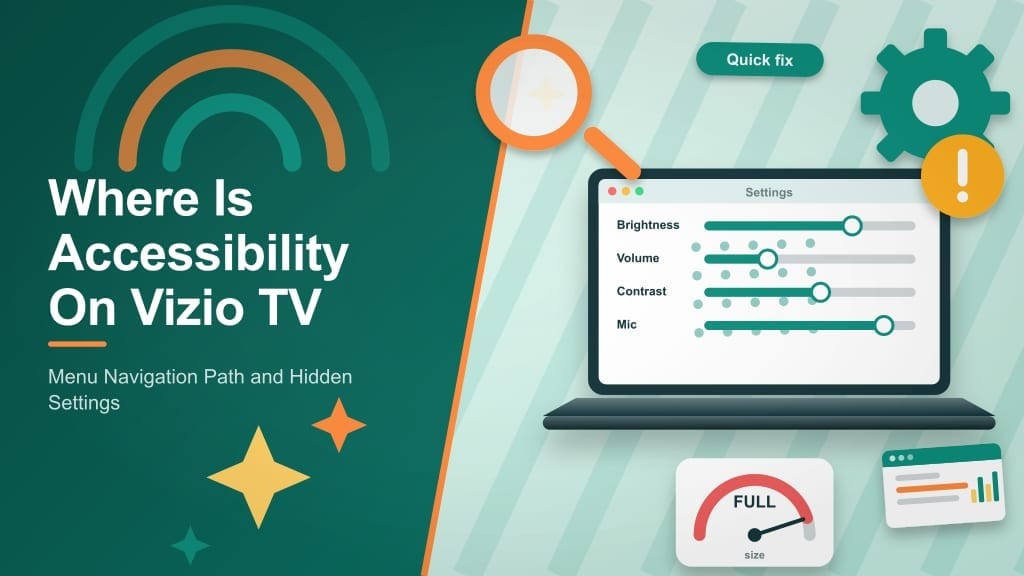
💥 Quick Answer To find accessibility on Vizio TV, go to the Settings menu under System > Accessibility , where you can customize options like closed captions, audio descriptions, and color correction for visual…
💥 Quick Answer The iOS Settings app on iPhone is located on the home screen by default, represented by a gray gear icon. If missing, swipe down Control Center and tap the gear icon in the top-right corner, or search for…
💥 Quick Answer The Slide Master in PowerPoint is located in the 'View' tab on the ribbon, where clicking 'Slide Master' opens the design template editor for consistent formatting across all slides. It controls fonts…